How to digitize handwritten recipes so you can find them again
· Editorial team sacramentonewsdaily7.com
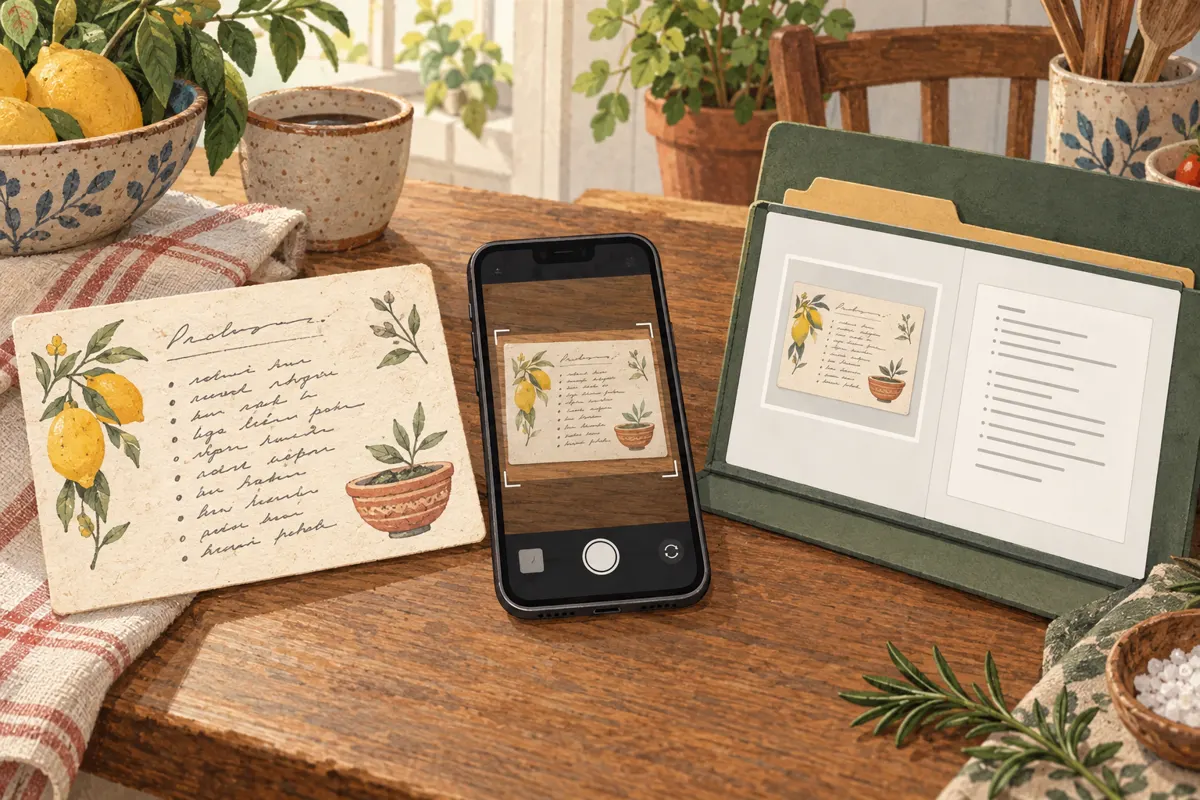
To digitize handwritten recipes, photograph both sides of each card, create a checked text version and save the image and text under the same descriptive name. Keep everything in one recipe folder or organizer, then add a few useful search terms. The photograph preserves the handwriting and family notes; the text helps you find the dish and read it while cooking.
Start with a small, useful collection
Begin with recipes you cook regularly and family favorites you would most regret losing. Gather all the pieces belonging to each recipe, including continuation cards, loose notes and instructions written on the back. If relatives have different versions, keep them separate until you understand the differences.
Our proposed starting workflow is to finish a small batch from photograph to searchable entry before tackling the whole collection. This lets you settle on a naming pattern and storage location without reorganizing hundreds of files later. Set completed cards aside so you can see what still needs attention.
Photograph the whole card clearly
Keep an image of the original even when you plan to type the recipe. Handwriting, crossed-out quantities and margin notes can explain details that a clean transcription loses. The following capture steps are a proposed practical routine for making readable copies.
- Place the card on a plain surface in even light. Move your phone or the card if your hand casts a shadow across the writing.
- Hold the camera parallel to the card and include every edge. Keep fingers away from ingredients and notes.
- Check the image at a larger size. Retake it if small quantities, faint pencil marks or the final instruction are unclear.
- Photograph the back, including any additional instructions. Capture continuation cards in their reading order.
- Keep the original capture. If you crop or adjust a copy for readability, preserve the full image alongside it.
Do not crop away a relative’s name, a date or a handwritten substitution just because it sits outside the main recipe. Those details belong with the record.
Turn handwriting into text, then check it
Optical character recognition, usually called OCR, converts writing in an image into editable text. A recipe organizer with this feature can help create searchable entries. You can also type the recipe yourself or read it aloud using a voice transcription tool. Whichever method you choose, compare the result with the card before relying on it.
- Compare every quantity, fraction and unit, especially teaspoons versus tablespoons.
- Check oven temperatures, cooking times and ingredient names.
- Confirm that instructions from the back and continuation cards are included.
- Preserve meaningful wording such as “divided,” “softened” or “add gradually.”
- Mark unreadable text as “unclear on original” instead of guessing.
Separate the transcription from later changes. If you prefer less sugar or a different baking time, add a clearly labeled personal note. If a relative clarifies an instruction, record who supplied the clarification. Keep the photographed original attached or nearby so you can revisit uncertain details.
Use names and folders you will remember
Our proposed file pattern is dish name, followed by the person or distinguishing detail, then the file’s role. For example: lemon-cake-aunt-jo-front.jpg, lemon-cake-aunt-jo-back.jpg and lemon-cake-aunt-jo-recipe.txt. Matching names keep the images and transcription recognizable as one set.
Create one main Recipes folder with a few broad categories, such as Baking, Main dishes and Sides. Avoid a deep folder structure that requires remembering exactly where you filed something. Add familiar alternative names to the text entry: a recipe titled “holiday squares” might also need “date bars” so either search can find it.
In a recipe organizer, categories and tags can serve the same purpose. Basic text search is useful even without elaborate labeling. Include the dish name, important ingredients and the family member associated with it in the searchable entry.
Check retrieval and keep a backup
Before expanding your collection, try finding a saved recipe by its title, an ingredient and a family name. Open it on the device you use in the kitchen and confirm that you can read the instructions and view the original image. This proposed check reveals whether your organization actually matches how you look for food.
Keep a backup in a second location and update it after adding recipes. If you choose an organizer, check its export and sharing options before entering the whole collection. Review privacy settings before sharing family recipes. Finally, return the paper cards to their storage: the digital collection makes them easier to use while preserving a copy of their original character.